SocialPilot has built a strong reputation as the "budget-friendly workhorse" for agencies and social media managers. It delivers bulk scheduling, client management, and affordable multi-account support that expensive enterprise tools like Hootsuite struggle to match at comparable prices.
However, for individual ecommerce brands, SocialPilot can feel simultaneously excessive in some areas and inadequate in others. The interface is functional but visually dated, and while it excels at scheduling 500 posts via CSV, it provides zero assistance in actually creating those posts. If you're a shop owner rather than an agency, you might need something more visual, more intuitive, or more focused on content generation.
Here are six robust SocialPilot alternatives that might better fit your ecommerce workflow in 2026.
1. Design Instantly
SocialPilot is a distribution tool focused on pushing content out to platforms. Design Instantly is a production tool that also handles distribution. For ecommerce sellers, the real challenge is rarely "how do I schedule this?" but "how do I design this in the first place?"
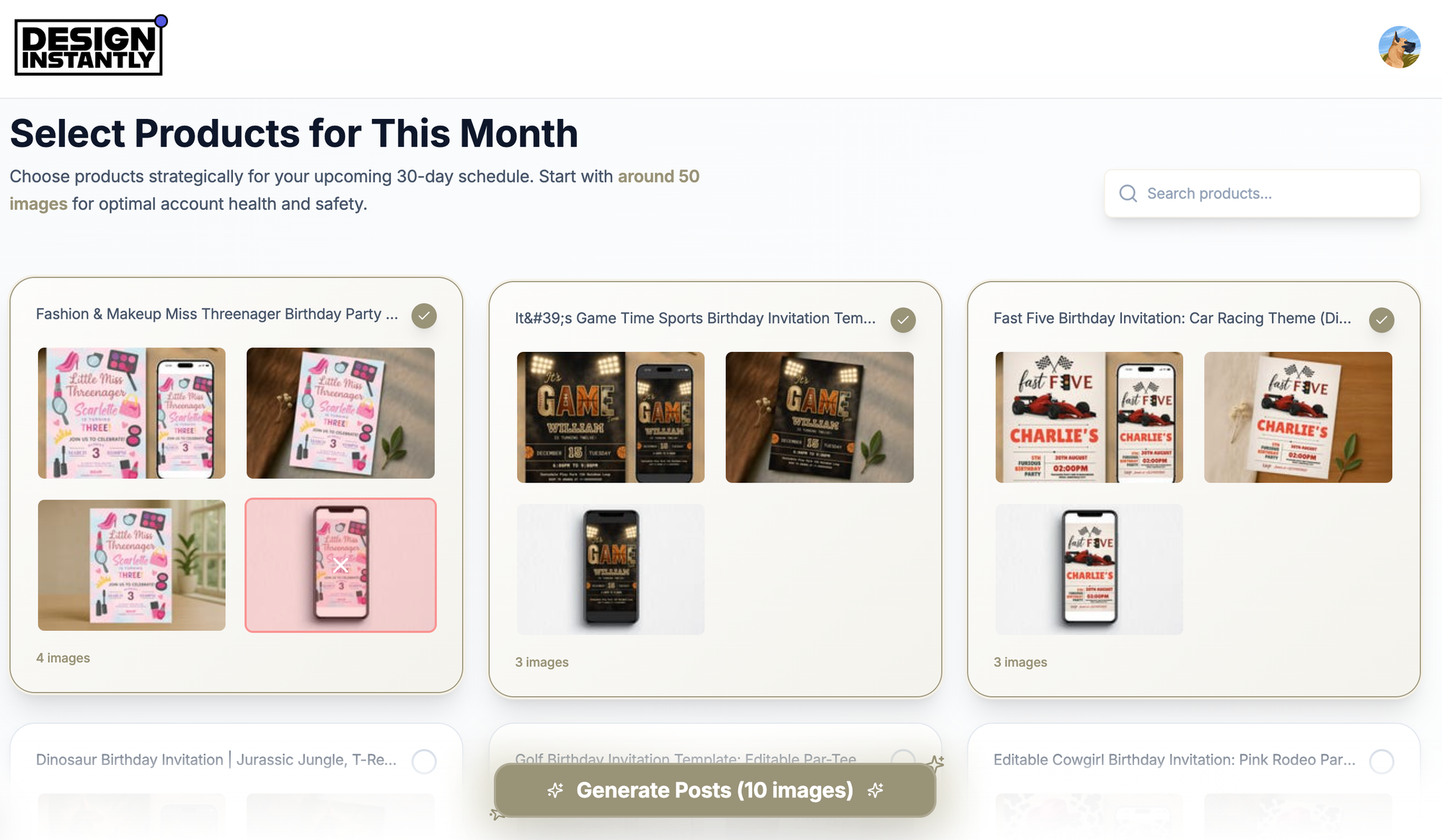
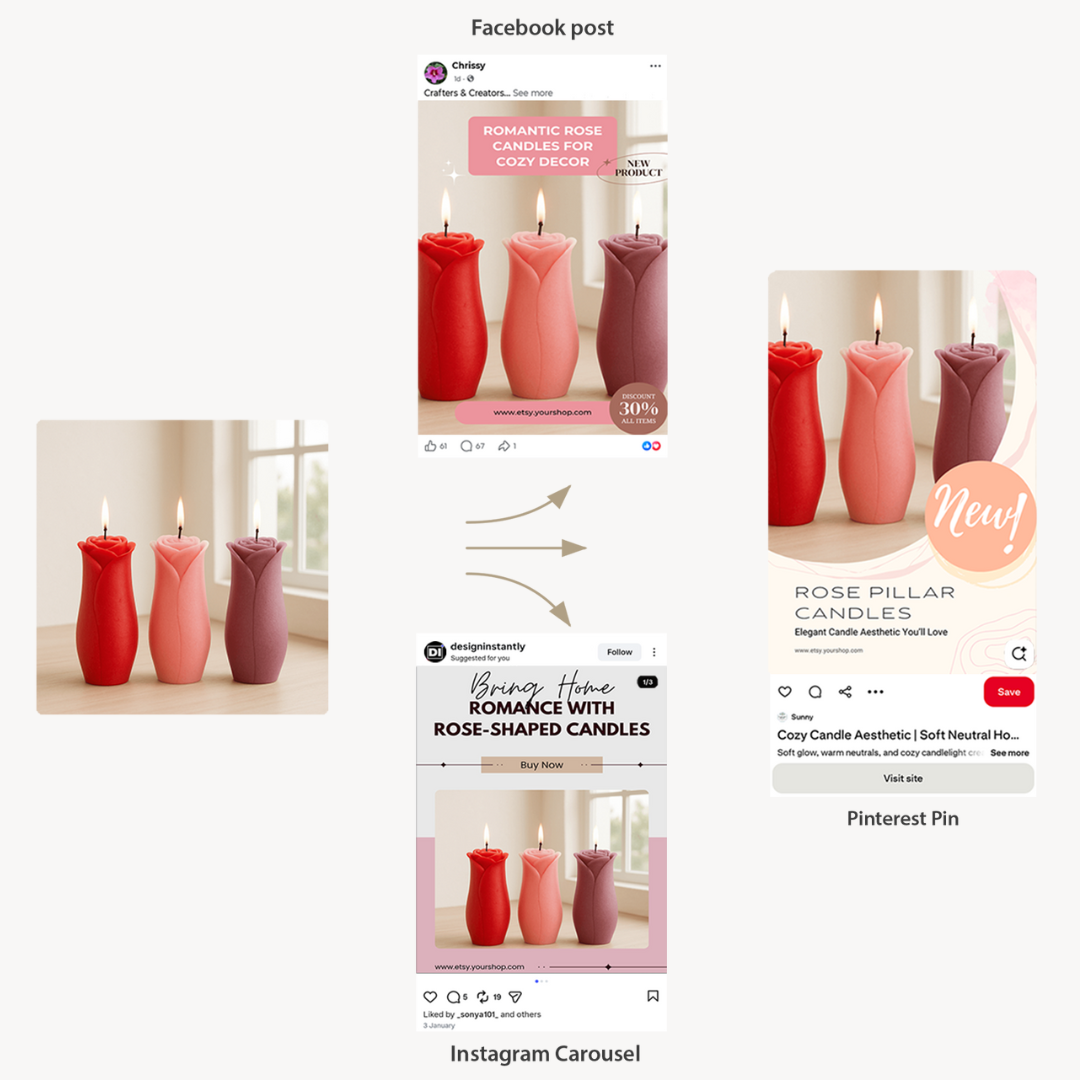
Design Instantly addresses the creation bottleneck. It connects directly to your online store and uses product data to automatically generate high-quality, sales-focused social media posts. You don't need to hire a designer or spend hours in Canva. The tool builds the creative and caption for you, then schedules it.
Key Features
Automated Content Production: Connects to Shopify, WooCommerce, and Etsy to transform product listings into professional social posts in seconds.
Sales-Driven Templates: Automatically applies conversion elements like "Shop Now" buttons, price tags, and "Low Stock" alerts that SocialPilot cannot add to images.
Bulk Generation: Instead of uploading a CSV file of pre-made posts (SocialPilot's method), you select products and generate a month of content instantly.
Platform Optimization: Automatically formats images for Instagram carousels and Pinterest pins with correct dimensions.
Integrated Scheduling: Seamless workflow where you generate, edit, and schedule without switching tools or tabs.
Limitations
Lacks the deep "Client Approval" workflows and white-label PDF reports that SocialPilot offers for agencies.
Built specifically for product sellers, so it's not intended for service businesses or pure text updates.
Pricing
- Free: Fully functional free version with no credit card required
- Paid: Starts at $20/month
Best for: Ecommerce brands wanting to automate post creation, not just scheduling.
2. Buffer
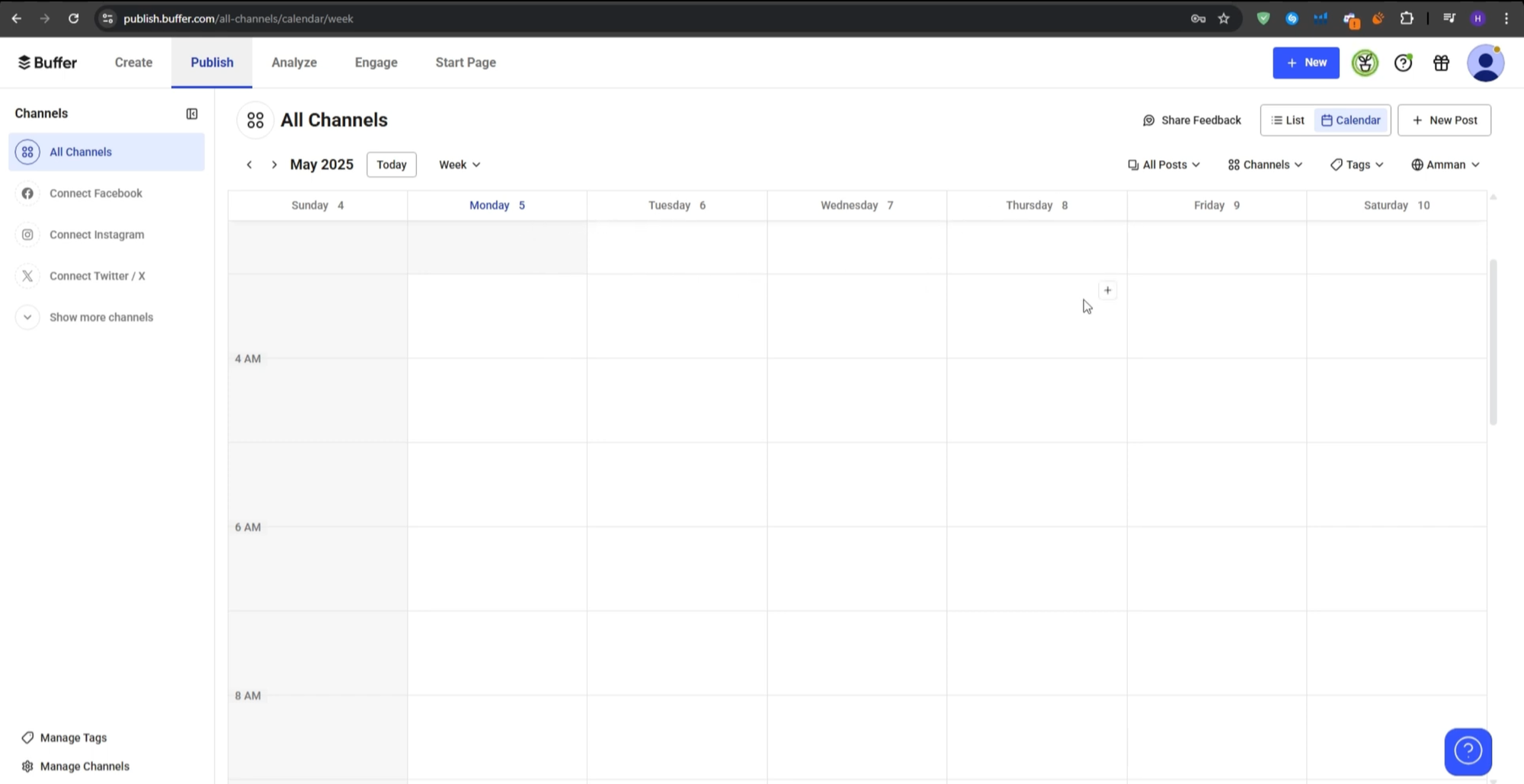
SocialPilot's interface is frequently described as "utilitarian" or "clunky." If you crave simplicity and modern design, Buffer is the natural alternative. It eliminates complex tabs and client settings, offering a clean, straightforward queuing experience.
For a single brand or small team, Buffer is typically faster and more enjoyable to use daily.
Key Features
Clean Interface: Widely considered the most user-friendly dashboard in social media management.
Transparent Pricing: Pay per channel, making it very affordable for small setups, whereas SocialPilot has a higher minimum monthly cost.
Start Page: Includes a simple but effective landing page builder for link-in-bio functionality.
Ideas Queue: Dedicated space to save draft ideas without immediately adding them to the schedule.
Limitations
Lacks the powerful "Bulk Upload from CSV" feature that makes SocialPilot excellent for high-volume posting.
Cost increases quickly at scale. If you manage many channels, Buffer becomes more expensive than SocialPilot.
Pricing
- Free: Basic plan for 3 channels
- Essentials: $6/month per channel
Best for: Small teams prioritizing a simple, stress-free user experience.
3. Sendible
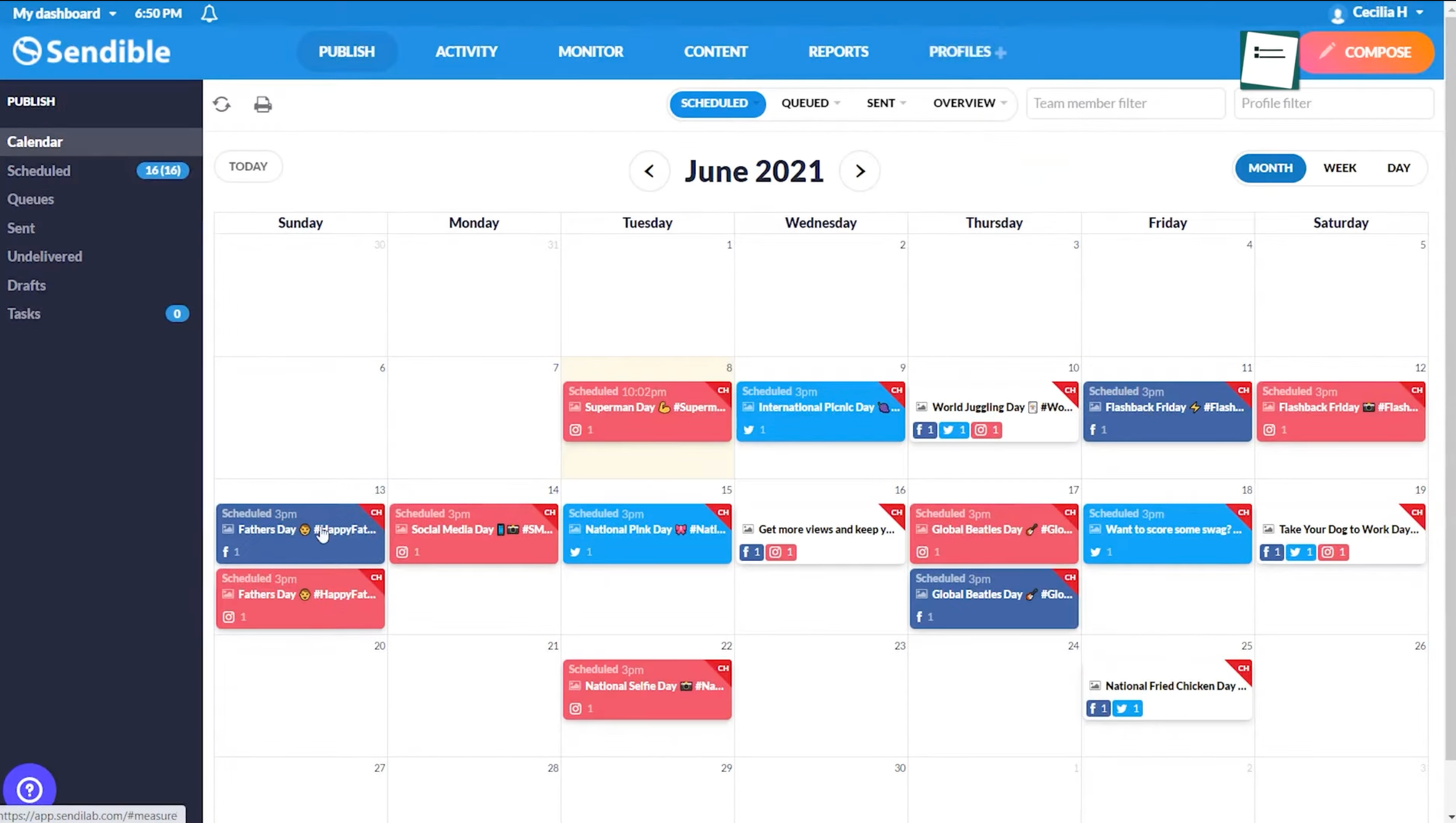
If you're leaving SocialPilot but still require powerful agency features (white-label reports, client approvals), Sendible is the direct competitor. It's slightly more expensive but offers a significantly more polished Social Inbox and better integrations with blogging platforms like WordPress and Medium.
Sendible positions itself as a premium hub for agencies, providing deep listening tools that SocialPilot lacks.
Key Features
Priority Inbox: Unified stream bringing all messages and comments into one place for quick responses.
Content Suggestions: Built-in tools to discover trending topics and articles to share with your audience.
Direct Image Editor: Surprisingly robust built-in editor plus Canva integration to adjust images before posting.
Report Builder: Creates beautiful, customizable PDF reports for clients with detailed analytics.
Limitations
Generally more expensive per-user and per-profile than SocialPilot.
Like SocialPilot, it's a feature-dense tool with many settings requiring configuration.
Pricing
- Creator: Approximately $29/month
- Traction: Approximately $89/month
Best for: Agencies wanting a more polished, premium alternative to SocialPilot.
4. Later
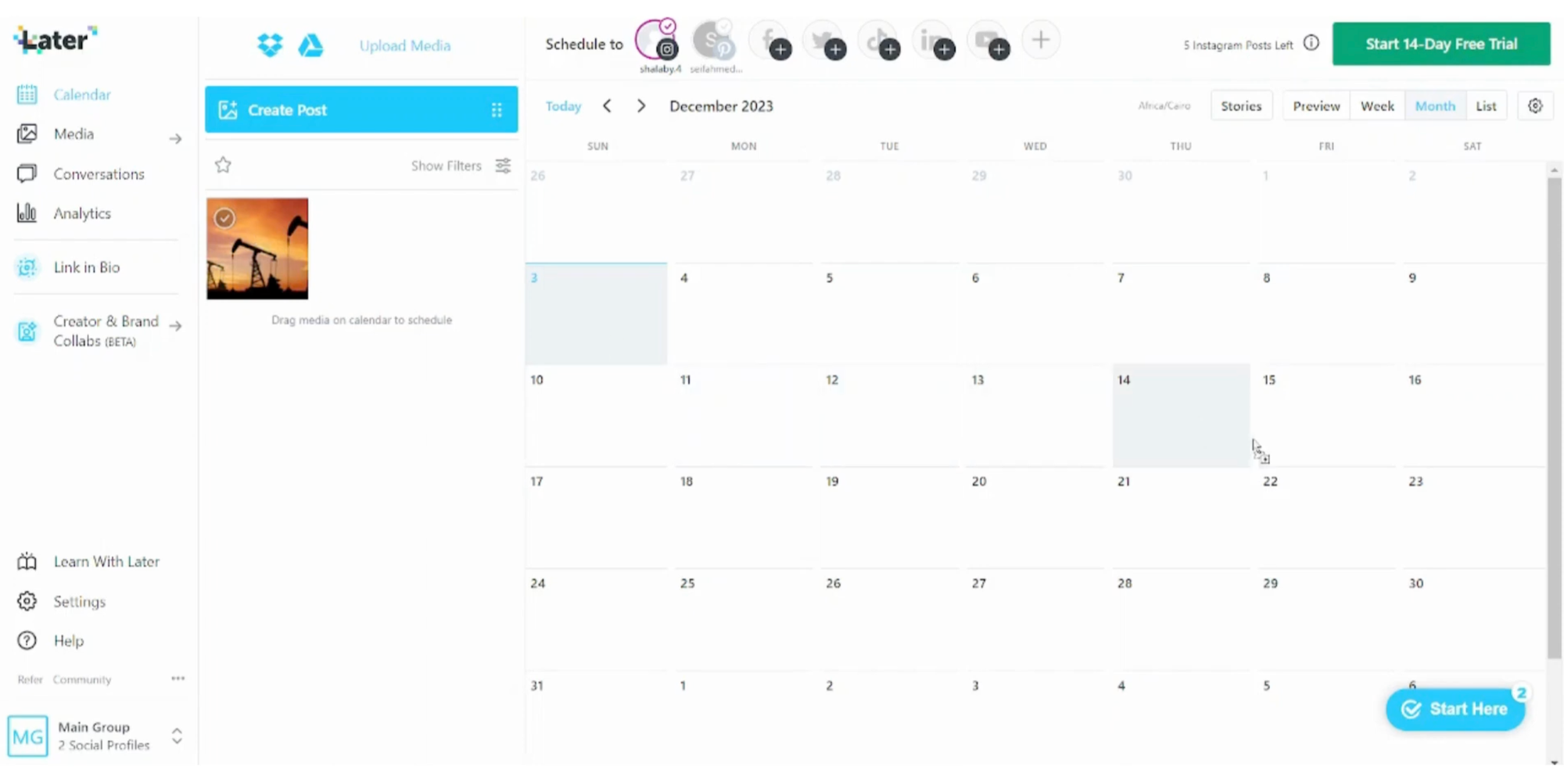
SocialPilot is text-first in its design philosophy. Later is visual-first. If you're an ecommerce brand heavily focused on Instagram and Pinterest, SocialPilot's list-based interface can feel counterintuitive. Later's visual calendar and media library make managing brand aesthetics substantially easier.
Key Features
Visual Planner: Drag and drop posts on a calendar to see exactly how your Instagram grid will appear before publishing.
Linkin.bio: Superior tool for making your Instagram feed shoppable, essential for ecommerce conversion.
Media Management: Excellent tools for tagging, filtering, and organizing thousands of product photos.
UGC Tools: Features to help discover and repost user-generated content from your customers.
Limitations
Lower-tier plans have strict limits on monthly posts, while SocialPilot typically offers unlimited posting.
Less flexible for quick, text-only updates on platforms like Twitter/X.
Pricing
- Starter: Approximately $25/month
- Growth: Approximately $45/month
Best for: Visual brands caring about Instagram aesthetics and grid planning.
5. Agorapulse
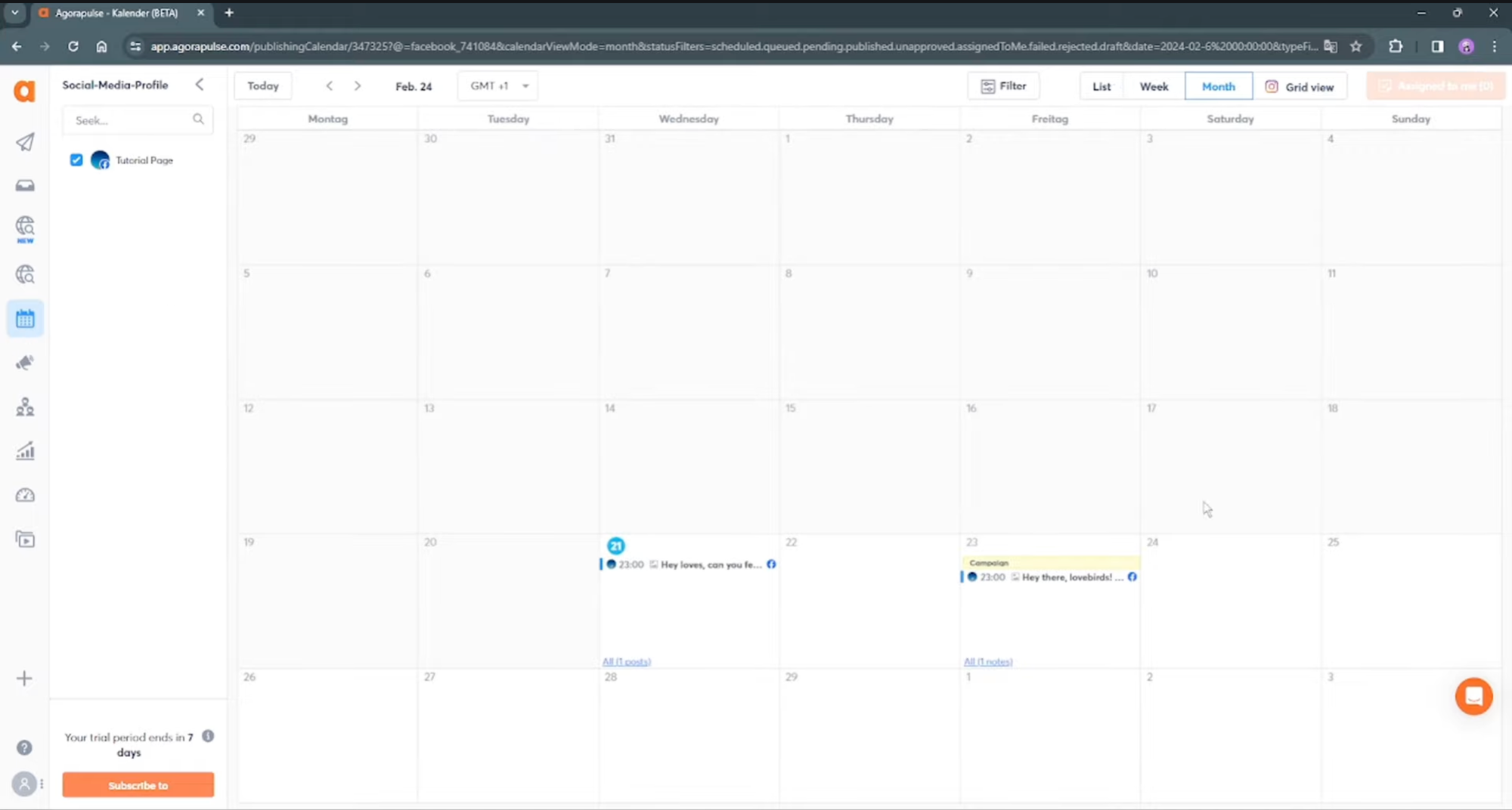
Agorapulse is the "enterprise lite" option. It competes with Hootsuite but is often compared to SocialPilot by users looking to upgrade. If SocialPilot feels too budget-focused and you need deeper analytics, social listening, and team collaboration tools, Agorapulse is the step up.
The platform is renowned for its "Inbox Zero" workflow, treating social interactions like a to-do list.
Key Features
Unified Social Inbox: Captures every comment, ad comment, and mention in a single manageable stream.
Social Listening: Monitor keywords and hashtags to track what people are saying about your brand or competitors.
ROI Analysis: Advanced reporting helping prove the monetary value of your social media efforts.
Team Workflow: Assign posts or comments to specific team members for approval or response.
Limitations
Significantly more expensive than SocialPilot. Not a budget-friendly tool.
For solo shop owners, the listening and team features might represent unnecessary complexity.
Pricing
- Standard: Approximately $49/user/month
- Professional: Approximately $79/user/month
Best for: Growing brands needing powerful listening and inbox tools to manage customer service.
6. Missinglettr
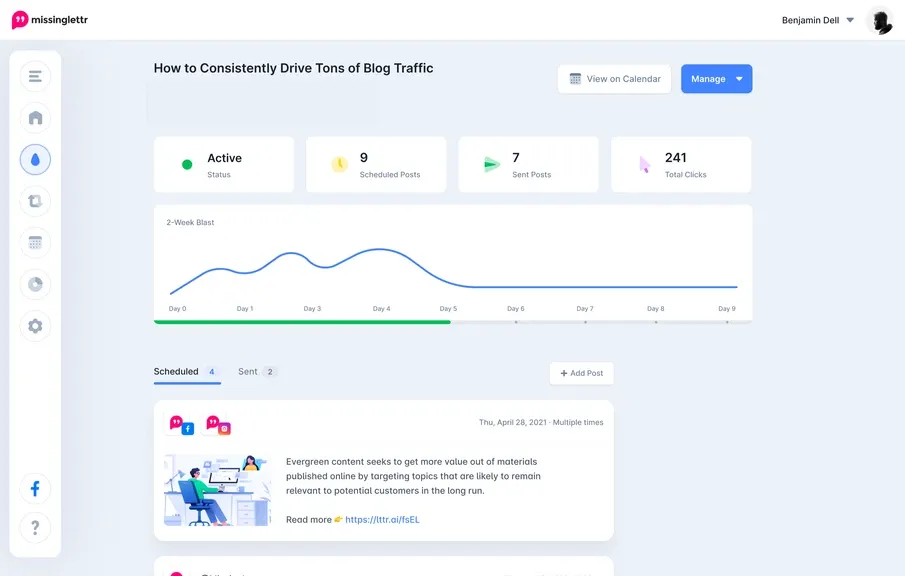
Missinglettr is a unique alternative focusing on "Drip Campaigns." While SocialPilot lets you schedule individual posts, Missinglettr takes one piece of content (like a blog post or product launch) and automatically creates a 12-month campaign of social posts promoting it.
For ecommerce sellers with blogs or compelling brand stories, this automation represents massive time savings.
Key Features
Drip Campaigns: Transform one URL into a year of social content automatically.
Curate: Library where you can share your content for other users to repost, generating free organic reach.
Automatic Extraction: Scans blog posts to find quotable text and images for social posts.
Limitations
Works best with long-form content (blogs) to promote. Less effective for simply posting daily product photos.
Auto-generated quote graphics can look somewhat generic without customization.
Pricing
- Solo: Approximately $9/month
- Pro: Approximately $39/month
Best for: Brands using content marketing (blogs) to drive traffic and sales.
Which SocialPilot Alternative Should You Choose?
Choose Design Instantly if SocialPilot doesn't help you design posts. It fills the creative gap by auto-generating sales-focused content from your inventory, effectively combining a designer and scheduler in one tool.
Choose Buffer if you're a solo seller who finds SocialPilot too clunky and complex. Buffer is the refreshingly simple alternative that makes scheduling enjoyable again.
Choose Sendible if you're an agency looking for a more premium client experience than SocialPilot offers. It's the professional upgrade with better reporting and inbox management.
Choose Later if you're a visual brand prioritizing Instagram and need grid planning tools that SocialPilot's list-based approach can't provide.
Choose Agorapulse if you need enterprise features like social listening and advanced team workflows but find Hootsuite too expensive or complicated.
Choose Missinglettr if you create blog content and want automated drip campaigns to maximize the promotional value of each piece.
The fundamental issue with SocialPilot for ecommerce isn't that it's a poor platform. It's that it was built for agencies managing client accounts at scale, not for product sellers who need content creation assistance.
Most successful ecommerce brands don't struggle with scheduling mechanics. They struggle with generating enough high-quality, on-brand content to fill those schedules. SocialPilot assumes you've already solved the creation problem, which is exactly where most shop owners get stuck.
Evaluate where SocialPilot specifically falls short for your business. If it's content creation, you need Design Instantly. If it's interface complexity, you need Buffer. If it's visual planning, you need Later. If it's advanced features, you need Sendible or Agorapulse.
Choose based on your actual bottleneck, not based on which tool offers the longest feature list or handles the most accounts.